CONTOH MODUL ADDONS CUSTOM
Modul addons custom — purchase_planned_delivery_date: field baru "Rencana Tanggal Kirim" (Date) pada Purchase Order, muncul di list view (kolom opsional) dan form view (setelah field Order Deadline).
- Buat folder purchase_planned_delivery_date di dalam C:\Users\tanjung\GIT\odoo19\custom-addons\
- Taruh 5 file sesuai struktur ini:
custom-addons/purchase_planned_delivery_date/
├─ __init__.py
├─ __manifest__.py
├─ models/
│  ├─ __init__.py
│  └─ purchase_order.py
└─ views/
   └─ purchase_order_views.xml
- Commit & push ke git:
cd C:\Users\tanjung\GIT\odoo19
git add custom-addons/purchase_planned_delivery_date
git commit -m "add module: purchase_planned_delivery_date"
git push
- Di server (atau di install lokal Windows kamu), update dan install:
git pull
docker compose restart odoo
Lalu di Odoo: aktifkan Developer Mode → menu Apps → Update Apps List → cari "Purchase - Rencana Tanggal Kirim" → Install.
Setelah terinstall, buka Purchase Order — field "Rencana Tanggal Kirim" akan muncul di form (setelah Order Deadline), dan bisa ditampilkan di list lewat ikon opsi kolom (⚙️) di pojok kanan atas tabel.
File addons bisa di download disini ya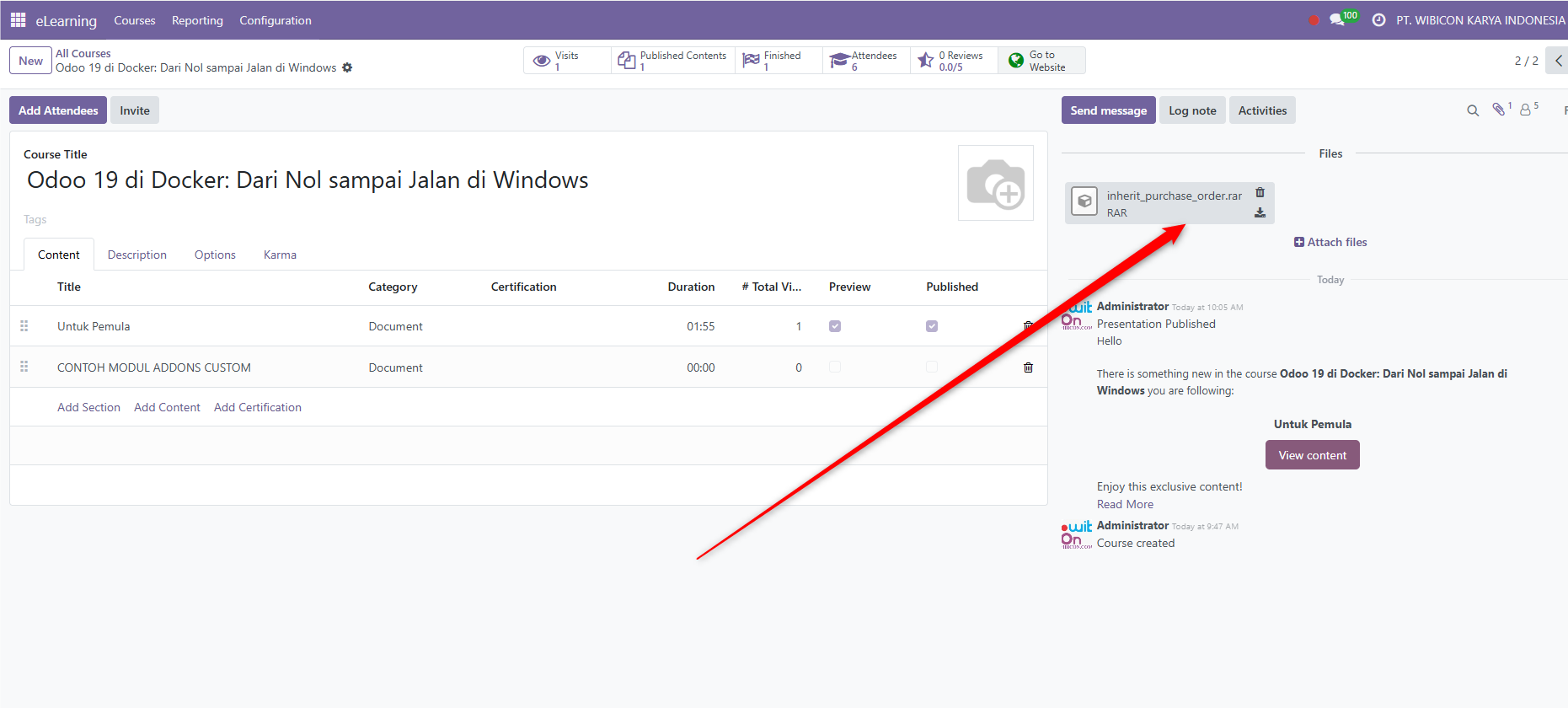
Rating
There are no comments for now.
to be the first to leave a comment.